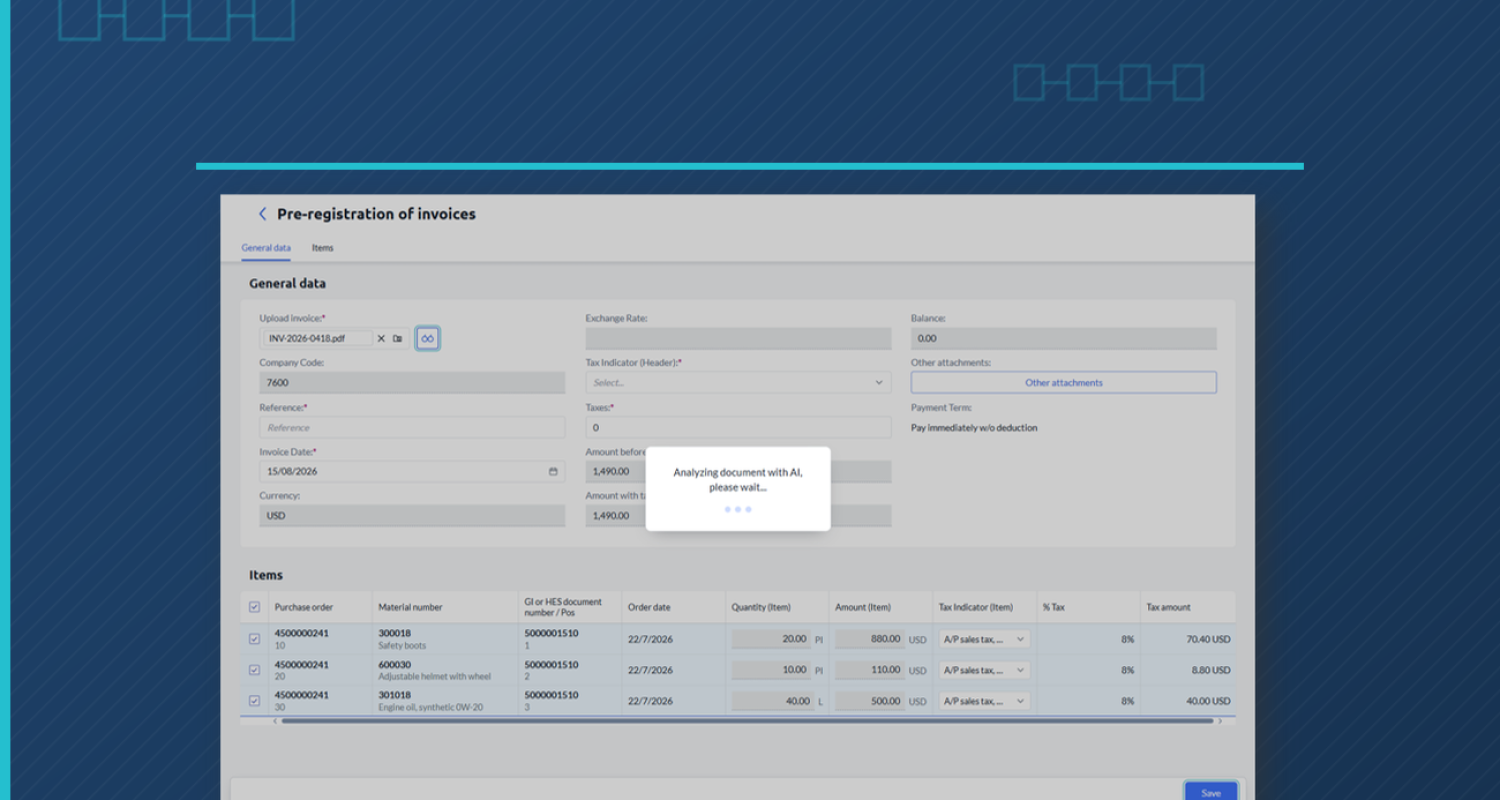
Invoices arrive as PDFs, someone keys them into MIRO, and the error surfaces two days later, at posting time. AI-assisted validation doesn’t change what SAP validates: it changes when you find out.
How does AI validate supplier invoices in SAP today?
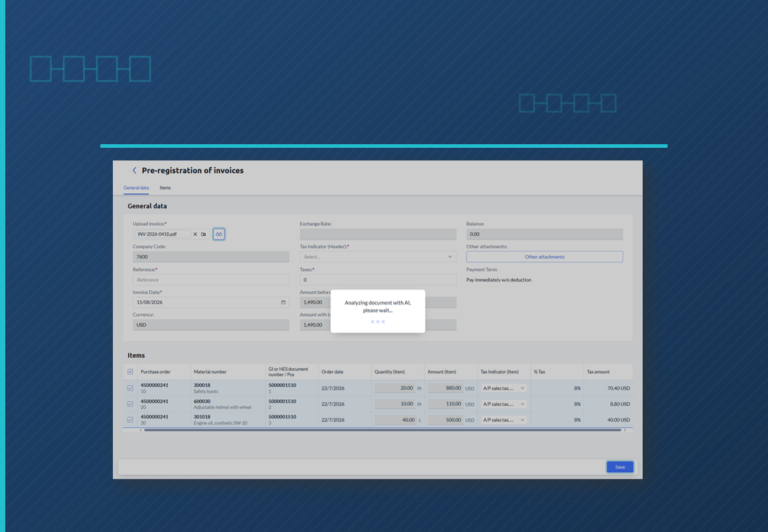
AI-assisted validation extracts the invoice data from the PDF and automatically matches it against the purchase order and the goods receipt or service entry sheet (SES) in SAP, flagging matches and discrepancies before posting. When every key field matches, SAP can post automatically; if there’s a discrepancy, a person decides.
The daily reality of Accounts Payable (AP) in SAP
Invoices arrive by email, as a PDF, each in its own format. Someone opens them, confirms receipt with the supplier (vendor in SAP ECC), and keys them into MIRO. The problem doesn’t show up that same day. It shows up a day or two later, when the user tries to post and SAP flags it: the amount exceeds tolerance, or the invoice doesn’t match the company code that issued the purchase order — common in multi-entity groups. SAP does validate these discrepancies: it won’t let a duplicate payment or an out-of-range price through, and it can block posting if the PO requires a goods receipt or SES that doesn’t exist yet. The real problem is when the error surfaces, not whether it’s caught: the user has to receive the invoice, try to post it, and only then discover each issue. Multiply that by every invoice of the day. Meanwhile, the phone doesn’t stop: “Did you get my invoice?” “When do I get paid?” Every call interrupts the real work — reviewing discrepancies and approving.Three-way matching, no detours
Invoice ↔ purchase order ↔ goods receipt or SES: all three have to line up before posting. SAP already compares them and flags anything that doesn’t. The issue isn’t that matching fails — it’s that it surfaces late: the user finds out at posting time, not before.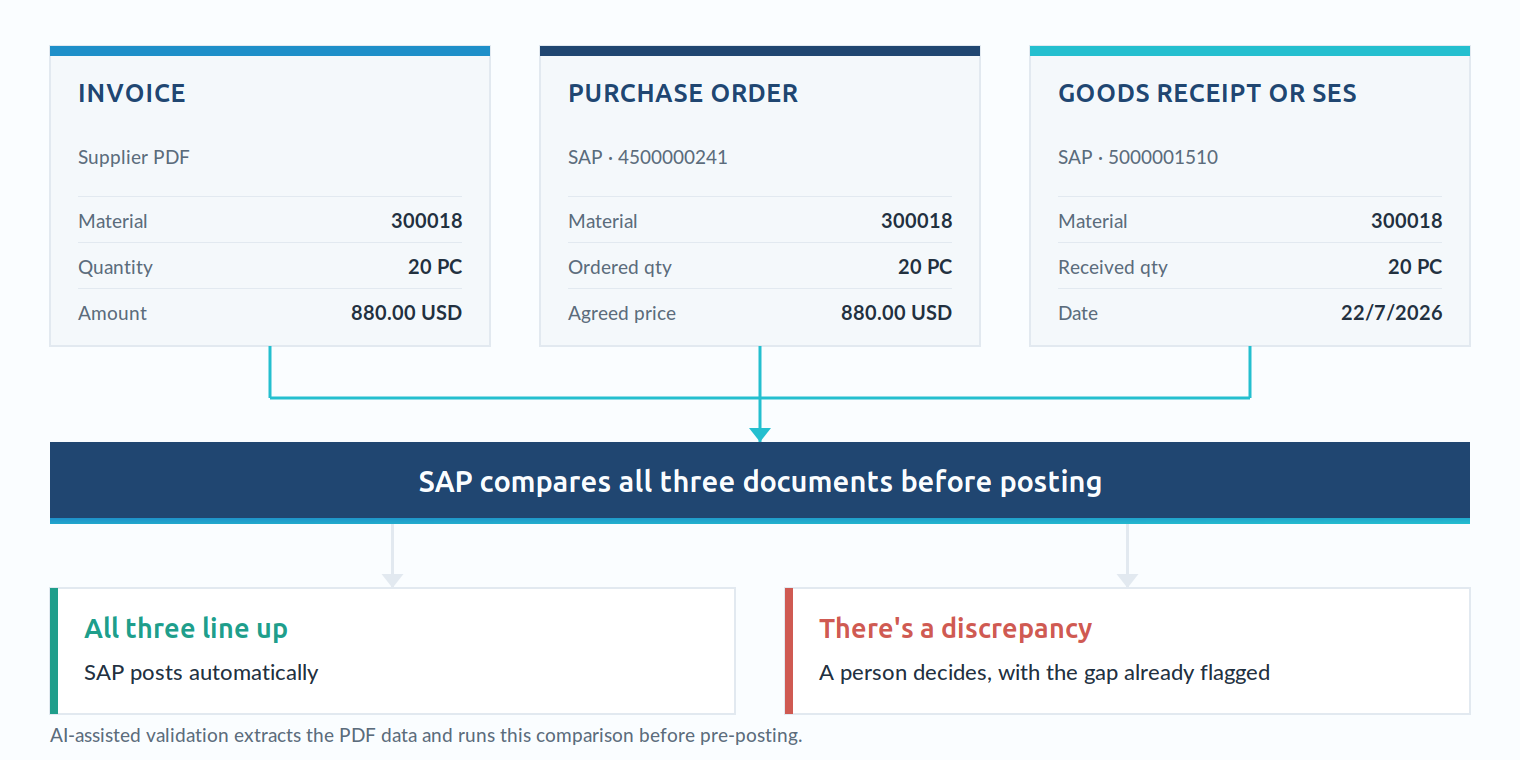
What AI can — and can’t — do with invoices today
What already works today, demonstrably:- Extract the key data from a PDF invoice (supplier, amount, references, line items) with no manual rekeying.
- Match it against the purchase order and the goods receipt or SES, flagging matches and discrepancies before pre-posting.
- Trigger automatic posting when every key field matches — with no one touching it.
The other half of the problem: supplier inquiries
Validating the invoice is half the battle. The other half is the questions that never stop coming in. Every inquiry your team handles manually is time not spent on what actually moves the needle: reviewing discrepancies, approving, and closing the month on time. The fix isn’t answering faster — it’s the supplier never having to ask.How SiPRO solves it
SiPRO is Innova’s supplier portal inside SAP: purchase orders, invoices, payment dates, and withholding certificates, all available to the supplier directly. Validation starts before the invoice ever reaches your team: the supplier pre-loads it directly into the portal, and right there, AI-assisted validation extracts the data, matches it against the purchase order and the goods receipt or SES, and flags matches and discrepancies. If everything matches, SAP posts it automatically. If there’s a discrepancy, it reaches your team already flagged — the work becomes reviewing and deciding, not chasing down the error.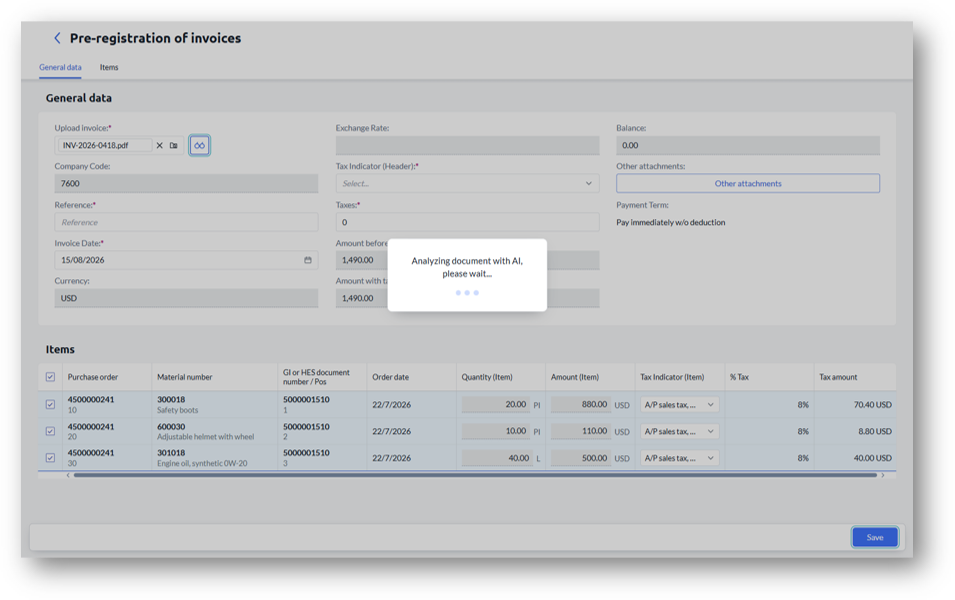
Stop rekeying invoices. If your team finds errors one invoice at a time, there’s an easier way to do it inside your own SAP.
Book your SiPRO demo