
Budgeting and Cost Control in SAP
SiPRE – Cost Budgeting
Easy and user-friendly budget control.
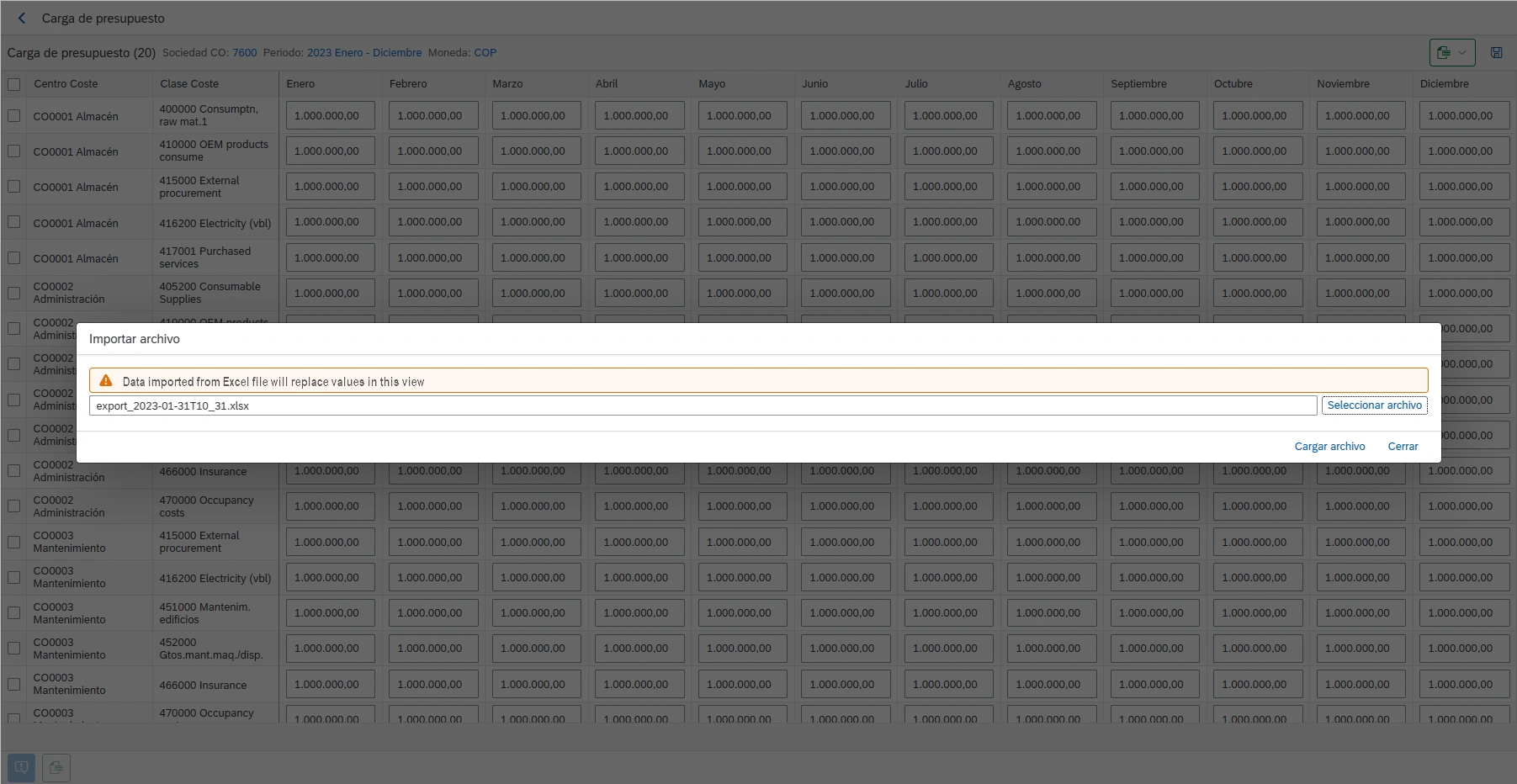
Without the need to implement additional functionalities, you can easily upload, visualize execution and control the budget of cost centers and cost elements by means of alert or error messages. You can also manage requests for budget increases or transfers, subject to different configurable approvals.
Main functions
Budget charge
Budget control
Budget execution monitor
Management of transfers or budget increases
Schedule your DEMO
Easy to know.
In 30 – 45 minutes we present you our solutions, online.
So you can see in detail how your processes will be optimized in SAP.
Benefits
Learn about the advantages of implementing our apps
For the IT department
Easy to implement
You just need to import the installers and transport them to each client, like any other change in SAP and deploy the front-end component according to your convenience (SaaS, on client web server, Fiori, SAP BTP).
Secure
With the SAP standard authorization objects and some of the App’s own authorization objects, it is ensured that control and segregation of duties is maintained by means of SAP standard user and role management.
No maintenance or support
With the Warranty, Support and Upgrades service, Innova is responsible for maintaining compatibility with the latest versions of the system, as well as support and clarification of doubts with users.
For the entire company
Easy
Intuitive, from any device, you can visualize, modify and analyze the budget for cost centers and classes.
Control and anticipation
Don’t wait until the end of the year to know if you have over-executed. With alert messages per month or per year, and then limitations (error messages) it is possible to have 100% control over critical cost centers and cost elements.
Auditable exceptions
Exceptions can always arise, the important thing is that you have the possibility to make a request, that the person in charge can easily approve it, and that the change is traceable. SiPRE allows all this.
Use cases
Common SAP problems solved by SiTRACK
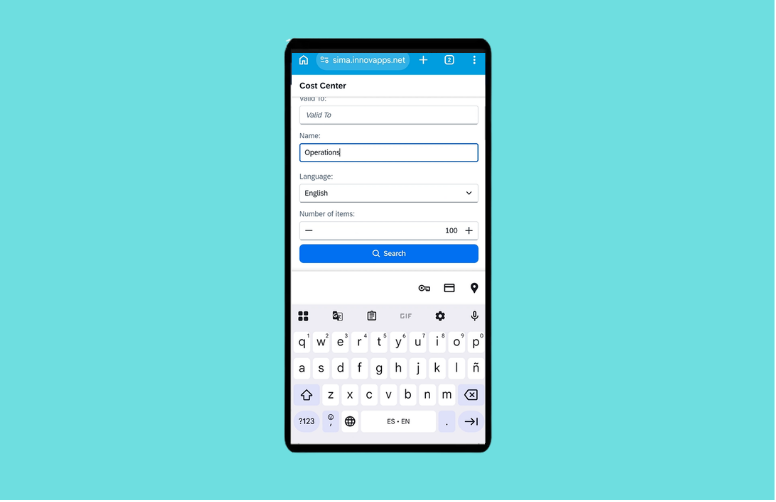
Creation and dispatch of material reservations in SAP
Creation and dispatch of material reservations in SAP with mobility SiMA USE CASE The standard material reservation process in SAP has clear operational limitations: it relies on SAP GUI, requires multiple manual steps and is not designed for mobility scenarios. In maintenance, production or field operations, this requires recording information outside the system […]
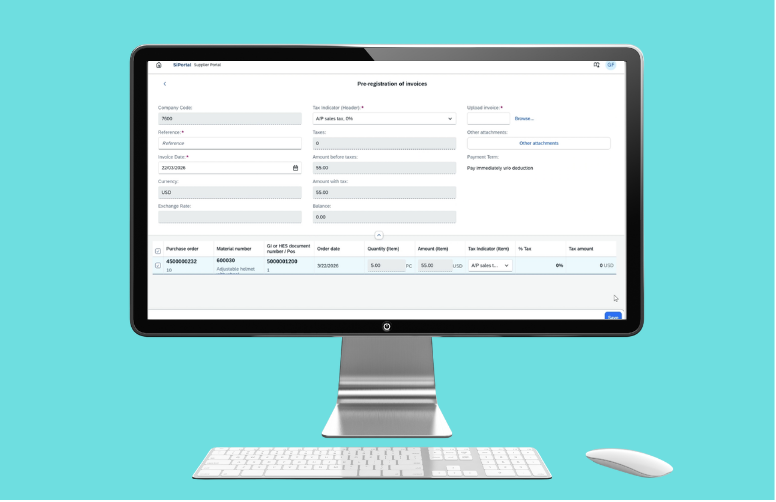
Automated registration of vendor invoices in SAP
Automated registration of vendor invoices SiPRO USE CASE In standard SAP, the registration of vendor invoices is usually done manually in the MIRO transaction, where the user must interpret the incoming invoice and transcribe the information into the system. This process is time consuming, depends on the user’s accuracy and creates a high risk […]
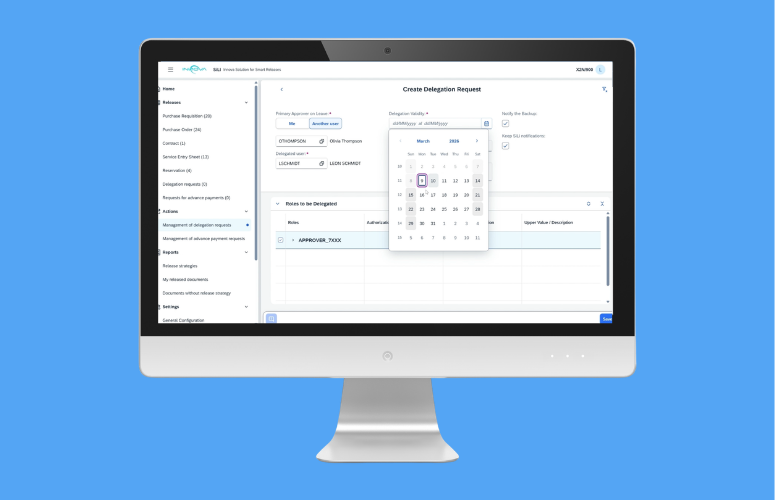
Management and approval of delegation requests
Management and approval of delegation requests SiLI USE CASE In standard SAP, the delegation of approvals often requires technical adjustments in roles and authorizations, usually managed by IT or Basis. This results in slow response times, dependency on technical resources and operational risks when absences are not planned sufficiently in advance. This causes that for […]
Read more about solutions for SAP
English and Spanish. However, it can be translated into any language required by the client within approximately one week.
No, with the purchase of the application any SAP user can use it, according to the assigned permissions.
No, no activations or installations of additional SAP components are required. Upgrades are also not required.
No, SiPRE works directly with the CO functionality of SAP ECC or S/4 Hana.
No, SiPRE displays the information online and approvals or changes are executed in real time in SAP.
No, SiPRE allows you to load, control and monitor budget specifically for the combination of centers and cost elements.
Architecture
The solution has an ABAP component within SAP (ECC or S/4HANA), and two front-end components served securely from our VPC on Amazon web services:
OPTION 1
SaaS Architecture

The easiest and fastest option. From Innova we take care of deploying and serving the front-end component from our private cloud in Amazon Web Services, and you are free of installation, updates and maintenance. Communication via VPN site to site or SAP webdispatcher is required.
Requirements: SAP ECC version 6.0 or higher, up to latest version of SAP S/4HANA. Site to site VPN configuration or SAP Webdispatcher. Possibility of web service publication from SAP ECC.
OPTION 2
FES On-Premise Architecture

It is deployed on a front-end server managed by the client company. You are in charge, although we accompany you throughout the deployment until the productive implementation. Recommended in cases where there is no SAP Fiori server and SaaS deployment is not feasible.
Requirements: SAP ECC 6.0 up to the latest version of SAP S/4HANA. ABAP Backend Component (Installed via OT import) Possibility of web service publishing from SAP ECC or SAP S/4 Hana. FES (Front-end Server) and SSL certificate associated to the domain/server
(only in case of On Premises installation).
OPTION 3
FIORI On-Premise Architecture

It is deployed on your SAP Fiori server and appears as another App in your SAP Fiori launchpad. If you have SAP Fiori already configured, this is the recommended option. Applies for separate servers and for embedded SAP Fiori.
In case of lower versions and limitations to perform Upgrade, consult with Innova viability about the version of the components.
Requirements: SAP ECC version 6.0 or higher, up to latest version of SAP S/4HANA. ABAP Backend Component (Installed via OT import). SAP ERP – SAP Fiori communication via configured Gateway. Minimum SAP Fiori component versions: SAP Gateway 740, SP 09 or higher (same in back-end [SAP ERP] and front-end [SAP Fiori]), SAP UI 754, SAP Fiori Front-End Server 6.0 or higher, SAPUI5 1.71
OPTION 4
BTP On-Premise Architecture

The application is deployed using Cloud Foundry container technology in SAP BTP, from where it consumes the services (SOAP or OData) published on the SAP server, via SAP Cloud Connector.
Requirements: SAP ECC 6.0 up to the latest version of SAP S/4HANA. ABAP Backend Component (Installed via OT import). Communication between SAP BTP and the SAP ERP server via cloud connector must be configured.
Complete list of functions
Here's what SiPRE can do for you
- Individual or mass budget transfer for cost centers and cost elements
- Configuration of budget validation by month/year for classes and cost center.
- Massive and detailed budget execution monitor.
- Creation of budget increase requests for plant and cost element.
-
Create budget transfer requests for plant and cost element.
- Management and approval/rejection of increase or transfer requests.
- Notification via mail to approvers at the moment of generating a request pending approval.